
Troubleshoot Crawl Scheduling in LLMIC
Locate the unsupported transition before changing configuration.
When an expected audit does not appear, changing the interval is rarely the best first diagnostic step. The problem may be an unavailable collection environment, account access, a job that never started, or a crawl that started and retained incomplete results. Troubleshoot crawl scheduling in LLMIC by locating the first unsupported transition. Preserve the schedule row, its message and any associated result before changing configuration. A missing run is a process observation; it is not evidence that the website was healthy during the missing period.
Start With the Last Thing You Can Confirm
Record the target URL, job type, configured interval and the time you expected an observation. Then record what is actually visible: no run yet, deferred work, running activity, a partial result, a failure message or a complete result with unexpected scope. This keeps the investigation anchored to evidence instead of a vague statement that automation is broken. Include the installed LLMIC and macOS versions, because controls and behavior can differ between releases.
If there is a saved result, retain it before attempting another run. A replacement audit can help diagnosis, but it cannot reconstruct the website state that the missing observation should have captured. Distinguish your manual test from the scheduled job in filenames and notes. Otherwise, a later reviewer may find a healthy manual result and mistakenly close the original scheduling problem without establishing that recurring execution resumed.
Check the Local Execution Environment
Confirm that LLMIC is available on the Mac and that the expected account is signed in. The reviewed trigger checks authentication and access to scheduled audits before proceeding. If the visible message identifies a plan or account problem, resolve that specific condition through the normal account workflow. Do not repeatedly recreate a schedule while leaving its execution requirements unchanged. A new row does not bypass the requirements of the job it represents.
Next, inspect the network state and the reported deferral reason. The reviewed scheduler can defer work when connectivity is unavailable or under power-related conditions. Read the actual message rather than assuming that all delay comes from the website. Keep intentional power settings separate from a software defect. A background activity scheduler is not the same as a continuously available remote service, so exact-minute expectations need to be tested against the local environment.
Separate Waiting From a Failed Crawl
A deferred job has not established the same evidence as a started crawl. A failed crawl may have transport errors, an unsuitable URL, no auditable pages or another recorded failure. A partial run may retain useful observations while still failing to cover the intended input. These branches need different follow-up actions. Keep a simple decision path: identify the state, read the message, inspect the corresponding evidence and make one targeted change.
| Observation | First investigation | Evidence to retain |
|---|---|---|
| No run recorded | Configuration and execution availability | Schedule row and expected window |
| Deferred | The stated waiting condition | Reason and time observed |
| Running longer than expected | Actual progress and workload | Current state and collected scope |
| Failed | Exact failure message and target access | Message, target and retained records |
| Partial | Stop reason and missing scope | Collected URLs and expected inputs |
| Complete but unsuitable | Wrong target, settings or interpretation | Actual result and intended contract |
Diagnose a Long Running State Carefully
Look for actual progress before calling a long run stuck. A complex page mix, rendering work, slower responses or a large discovery scope can extend duration. Record whether the observed page population changes, whether response failures appear and whether the Mac is under resource pressure. Do not manufacture a universal timeout from a single unfamiliar run. The expected duration should come from a comparable workload or an explicit operational limit.
If progress cannot be established, preserve the available state before restarting the app or changing the schedule. A restart is an intervention, not proof of the original cause. Report what was observed and what changed after the intervention. Avoid a causal claim such as power mode caused the failure unless the evidence supports it. A temporal sequence can guide the next test while still leaving the root cause unresolved.
Worked Example: Diagnose the Missing Observation
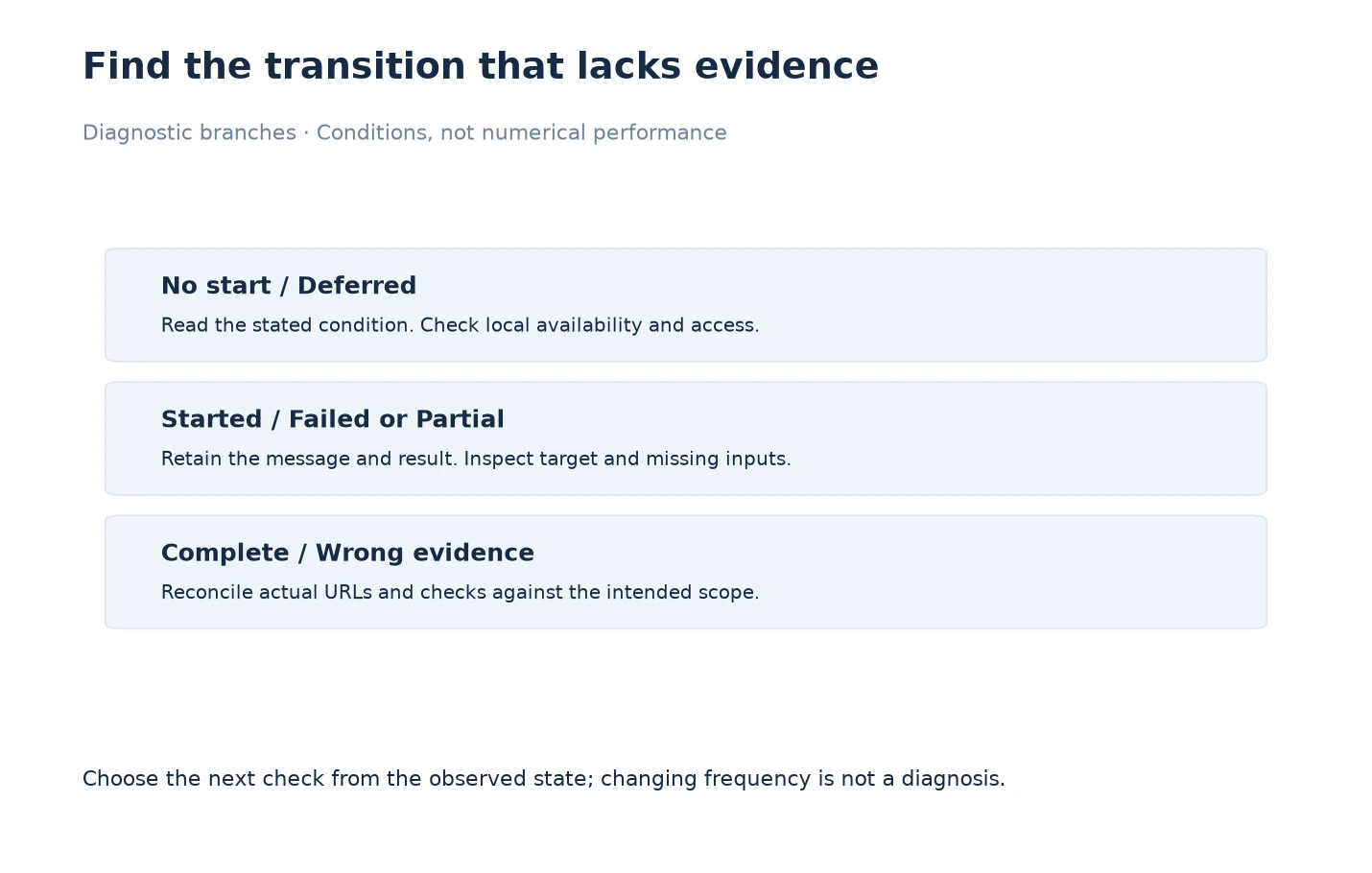
In an illustrative sequence, a team expects a crawl near 14:00. At 14:05 the schedule reports Deferred with a network-related message. A manual browser check also cannot reach the intended site from that Mac. At 14:12 connectivity returns. The operator watches for a new actual start, then inspects the result retained after completion. The useful action is to verify recovery of the collection process, not to declare the website fixed.
Suppose the next result contains only the homepage, while the intended investigation covers a documentation section. The connectivity issue and the scope issue are separate. Restoring the network explains why work could proceed, but it does not explain why the wrong boundary was audited. The operator checks target and crawl settings before changing frequency. The diagnostic path ends only when a new recurring run is linked to the intended target and provides reviewable evidence for the required scope.
Change One Condition and Repeat the Relevant Test
Choose an intervention that addresses the observed branch. Correct an erroneous URL, restore the missing connection, resolve account access or adjust a demonstrated workload problem. Record the original value and the new value. If several settings change together, you may establish that the combined configuration works, but you cannot reliably attribute the result to one particular change. Keep the conclusion no broader than the test.
Watch a subsequent scheduled execution rather than stopping after a successful manual crawl. Confirm its identity, actual start and finish, and retained result. Check more than one opportunity when the original failure was intermittent. Include one ordinary control condition so a narrow repair does not hide a different regression. Continue with Verify Changes to Crawl Scheduling in LLMIC for a repeatable acceptance record.
Send a Reproducible Support Report
If the condition remains unexplained, prepare a concise report with the installed versions, schedule type, target, interval, actual messages and the steps already tried. Include whether a manual equivalent run succeeds and whether the problem recurs under the same conditions. Share only the necessary evidence, removing credentials, private query values and unrelated client information. If the result file cannot be safely shared, describe its scope and the exact missing evidence instead.
Use LLMIC support and preserve the original record until the investigation is resolved. Do not remove the sole failing example just to make the interface look tidy. A clear chronology gives support something to reproduce. A series of recreated schedules with no record of the earlier state makes diagnosis harder and can leave you uncertain about which configuration is currently responsible for recurring work.
Questions About Scheduling Problems
Should I recreate a schedule immediately when it fails?
First retain its configuration, message and associated evidence. Recreating it may discard useful context while leaving the underlying account, network, target or workload condition unchanged.
Does a successful manual crawl prove the schedule is repaired?
No. It shows that the manual path worked under its conditions. Observe a later recurring execution and connect it to the intended schedule before accepting the scheduling repair.
How do I distinguish a slow run from a stuck run?
Look for actual progress, comparable workload expectations and recorded responses. A long duration alone is not enough. Preserve the state and describe uncertainty when progress cannot be established.
Is an offline period a website failure?
Not by itself. If the collection Mac lacks connectivity, the missing observation concerns the collection environment. Do not attribute an unobserved period to website downtime without separate evidence.
Should I turn off every power-saving setting?
No. Read the actual deferral reason and test the relevant condition deliberately. Preserve intentional settings and avoid broad configuration changes that make the result difficult to interpret.
What if the enabled control behaves unexpectedly?
Record the exact steps and observed execution, rather than assuming the displayed control proves that work has stopped or resumed. Pause reliance on the schedule and report the reproducible behavior to support.
What should a useful support message include?
Include app and macOS versions, target, job type, interval, actual state messages, observation times and a minimal reproduction. Do not include passwords, API keys or unnecessary private crawl content.
Sources, Statistics and Measurement Notes
Reviewed on 5 October 2026 against scheduling settings, deferred-state handling, application access checks and the audit-completion implementation. The timed example is hypothetical and describes an investigation method, not guaranteed recovery behavior.
This guide deliberately separates a missing observation from website failure and a manual test from a recurring execution. Related guidance: configure scheduling and troubleshoot crawl speed.