Technical SEO
How to Diagnose Broken Internal Links
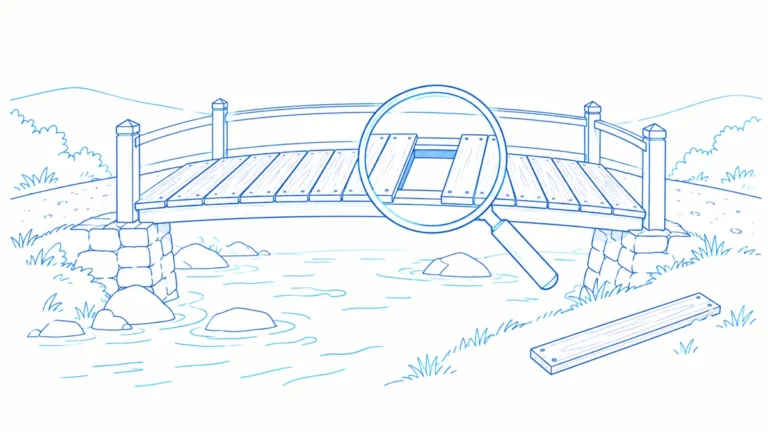
Diagnose broken internal links by checking the source, response and destination. Separate missing pages, blocked access and wrong replacements before repair.
Ideas and practical guides for technical SEO, content strategy, AI search and evidence-led product workflows.
Diagnose broken internal links by checking the source, response and destination. Separate missing pages, blocked access and wrong replacements before repair.
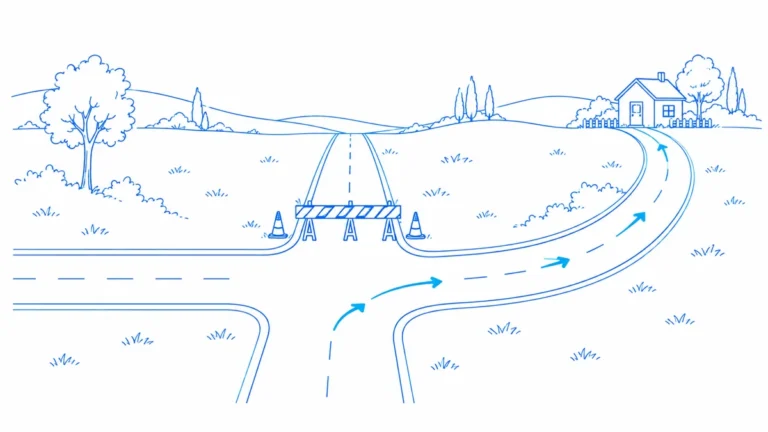
Verify redirect changes from old URLs to their intended pages. Check each hop, destination content, internal links and sitemap consistency after release.
Find broken links with the source page, anchor text and failed destination together. Separate real failures from blocked checks and prioritize useful repairs.
Avoid common redirect mistakes, including loops, chains and homepage fallbacks. Diagnose rule conflicts and choose destinations that help visitors.
Plan redirects with a release-ready checklist. Map old URLs to relevant destinations, test exceptions and protect customer journeys during migration.
Move from a warning count to the exact pages and evidence that deserve attention. Use this redirect chains guide for evidence, numbers, decisions, verifica
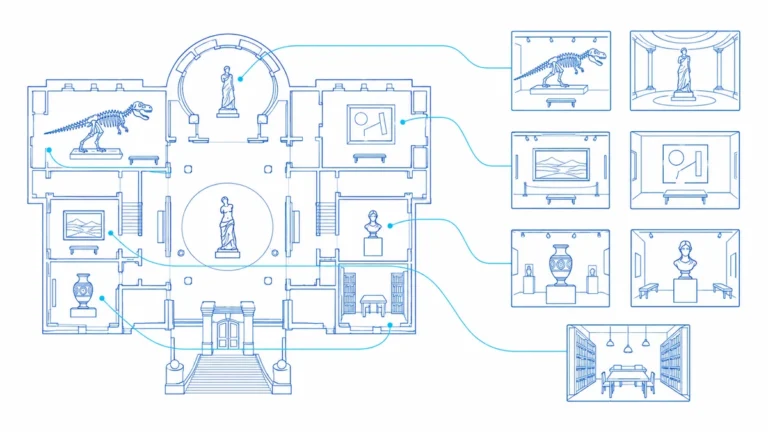
Audit website redirects from the original link to the final page. Identify chains, loops and wrong destinations, then create a clear repair plan.
Move from a warning count to the exact pages and evidence that deserve attention. Use this XML sitemaps guide for evidence, numbers, decisions, verificatio
Move from a warning count to the exact pages and evidence that deserve attention. Use this XML sitemaps guide for evidence, numbers, decisions, verificatio
Find the cause of sitemap errors, choose the right repair and verify the public XML, listed URLs and later Search Console report.
Get a native Mac workspace for finding issues, reviewing evidence and deciding what to fix.
macOS 15+ · Paid subscription required · No automatic trialOpen only what you need. Each answer explains the practical boundary as well as the next step.
Still unsure? Ask us →The Journal covers technical SEO, website auditing, content evidence, AI search measurement, practical workflows, and product updates.
Articles should label measured results, examples, estimates, and limitations clearly. Check each article for its method, date, and source context.
Use Documentation for task-focused product instructions. The Journal provides broader explanations, examples, and analysis.
The publication and modification dates identify the current version of an article. Product instructions should also state the build or feature availability when relevant.
Yes, when the guide matches your task and product version. Verify each recommendation against the affected site rather than applying a checklist without reviewing the evidence.
No. LLMIC measures crawl evidence and research observations, then helps you review possible actions. Search engines and AI providers decide their own results.
Core crawl analysis is designed to run in the native Mac app. Features that use Google, AI, or other providers make the external requests described in the relevant workflow and use the credentials you connect.