
Website Redirect Checklist
Plan redirects with a release-ready checklist. Map old URLs to relevant destinations, test exceptions and protect customer journeys during migration.
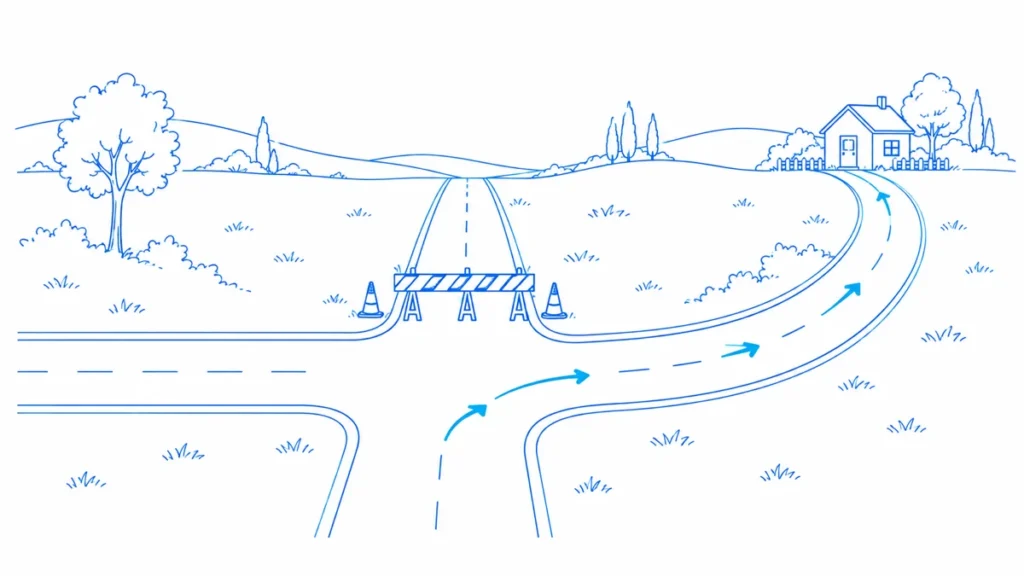
Mina’s website migration has a launch date and a beautiful new design. It does not yet have a decision for 300 old article addresses. Someone suggests sending them all to the blog homepage. That would make the spreadsheet shorter, but leave readers searching again.
A website redirect checklist is a planning tool before it is a testing tool. It assigns a meaningful outcome to each old URL, identifies who owns the rule and defines how the team will know the move worked.
The Workflow at a Glance
- Inventory old entry points
- Approve each destination or retirement
- Test mappings and nonmatching exceptions
- Launch with rollback and verification records
| Mapping Field | Example Decision | Why It Matters |
|---|---|---|
| Old URL | Exact retired tutorial address | Defines what is being tested |
| Outcome | Equivalent move or deliberate retirement | Avoids blanket redirects |
| Destination | Approved replacement tutorial | Preserves reader intent |
| Owner and test | Hosting rule plus old-URL retest | Makes launch acceptance accountable |
Build the Old-URL Inventory
Combine the existing content inventory with observed entry URLs from internal links, sitemaps and relevant search data. Keep the original address exactly as found, including meaningful path case and parameters. Store a normalized comparison value separately if you need one for grouping.
Deduplicate repeated records without losing their sources. The same article may appear in navigation, an old sitemap and a campaign report. One mapping can cover that address, while the source list explains where discovery needs updating and which user journeys deserve attention.
Give Every URL a Decision
Use a small set of outcomes: stays unchanged, moves to an equivalent page, merges into a relevant replacement, or is retired without a suitable successor. Do not force every row into a redirect. A page that no longer exists may need an honest removal response.
For merged content, explain why the replacement satisfies the old intent. Ask the editor to check the new page before approving the map. Similar titles are not enough if the old tutorial covered a different product version or the old offer is no longer available.
Specify the Rule and Its Owner
Write the exact source, intended destination and permanence of the move. Name the system that implements it: hosting configuration, CDN, application or CMS. Avoid two teams creating separate rules for the same pattern without checking precedence.
Keep broad pattern rules small and understandable. A rule that catches every missing path may also swallow legitimate errors, private routes or future content. Test examples that should match and examples that must not match. Negative tests are part of the checklist, not optional cleanup.
Review Destination Readiness
The new page must be published, usable and appropriate before the redirect is released. Check its response, main content and intended indexability. A correct mapping to a staging-only page is not launch-ready, and a successful shell with missing content is not a complete destination.
Also confirm current internal links, canonical annotations and sitemap entries are scheduled to use the new address. Redirects help people arriving through old paths. They should not become an excuse to leave the new website’s own navigation pointing at retired locations.
Test Realistic Variants
Include relevant host and protocol variants, trailing-slash behavior and meaningful query parameters. Decide which parameters should survive the move and which are intentionally discarded. Do not preserve or strip everything without understanding its purpose.
Keep form and API routes under application-specific tests. A redirect policy that is harmless for a normal article request can affect other request methods. The release owner should know which URL classes are covered by the SEO mapping and which need separate engineering approval.
An Illustrative Migration Gate
Mina’s 300 URLs become 220 equivalent moves, 40 unchanged pages, 25 approved content merges and 15 deliberate retirements. Those categories explain the launch plan more honestly than “300 redirects configured.” They are illustrative planning numbers, not a target distribution.
Suppose testing finds that 12 of the 220 equivalent moves point to unpublished destinations. The release gate remains open for those 12 even if the redirect syntax is valid. Assign an owner to publish the destination or revise the approved mapping before launch.
Prepare Rollback and Monitoring
Keep the previous configuration and a clear rollback procedure. Define high-risk failures such as loops, widespread wrong destinations or broken conversion routes. A rollback should restore a known state rather than add a second patch whose interaction with the first is uncertain.
After launch, rerun the old-URL list and monitor unexpected requests or failures through the systems available to your team. Use newly observed legacy URLs to extend the map when a relevant destination exists. Do not automatically route every new 404 to a convenient category.
Keep the Map Useful After Launch
Add the implementation date, verification result and outstanding exceptions to the mapping file. The file becomes a record of why each move exists. That matters months later when someone wants to remove a rule they do not recognize.
Retain necessary redirects for old visitors and external references according to a deliberate maintenance plan. Do not remove them merely because current internal links were updated. A clean new sitemap says little about bookmarks, historical citations or links outside your control.
Frequently Asked Questions
What should a redirect migration checklist contain?
Include the old URL, decision, approved destination, redirect type, owning system, test result and rollback plan. Keep unchanged and retired pages visible so the team does not mistake the entire inventory for a redirect list.
Do all old URLs need a redirect?
No. Unchanged URLs need none, and removed content without a suitable replacement may need an appropriate error response. Choose based on user intent and the actual publishing decision, not a desire to eliminate every 404.
Should I use a permanent or temporary redirect?
Match the type to the intended duration and behavior. A lasting content move differs from a short operational detour. Ask the application owner to review special request flows rather than applying a blanket page rule.
How do I choose destinations for merged articles?
Read the old purpose and the replacement content. The new page should meaningfully serve the original need. Record the editorial approval, especially when several old pages are mapped to one broader resource.
Should query parameters be kept during migration?
Keep parameters that still carry necessary meaning and handle others according to a documented policy. Test representative examples. Blindly preserving or removing all parameters can break functionality or create unintended URL variants.
When should redirects be tested?
Test the map before launch in an appropriate environment, then repeat the original entry URLs in production. Include exceptions and destination content. Configuration success alone does not prove a working public journey.
Does a complete redirect map guarantee stable rankings?
No. It reduces avoidable migration errors, but search processing and other changes still matter. Monitor results with dates and scope, and avoid claiming that every later traffic movement was caused by redirects.
Sources, Statistics and Measurement Notes
- Redirects and Google Search — Google Search Central. Guidance on redirect types and search interpretation. Accessed 30 September 2026.
- Site Moves With URL Changes — Google Search Central. Migration mapping, testing and monitoring guidance. Accessed 30 September 2026.
- How HTTP Status Codes Affect Google Crawlers — Google Crawling Infrastructure. Response interpretation; successful delivery alone does not establish indexing. Accessed 30 September 2026.
Put the Review Into Practice
Use the LLMIC documentation to choose the supported workflow in your installed build. Keep the source evidence with the action and verify the published result. Compare LLMIC plans when you are ready to organise this work in the Mac app. A completed technical check does not guarantee indexing, rankings or traffic.
Continue with Common Redirect Mistakes and Their Fixes for the next part of this workflow.
Check the website behind the idea.
Use LLMIC to crawl pages, review the evidence and organise the next actions in one native Mac workspace.