
Prism
Capture ChatGPT’s Fan-Out Queries with Ease
Stop guessing what the AI is thinking. Capture, organize, and export hidden SEO data directly from your chat sessions.
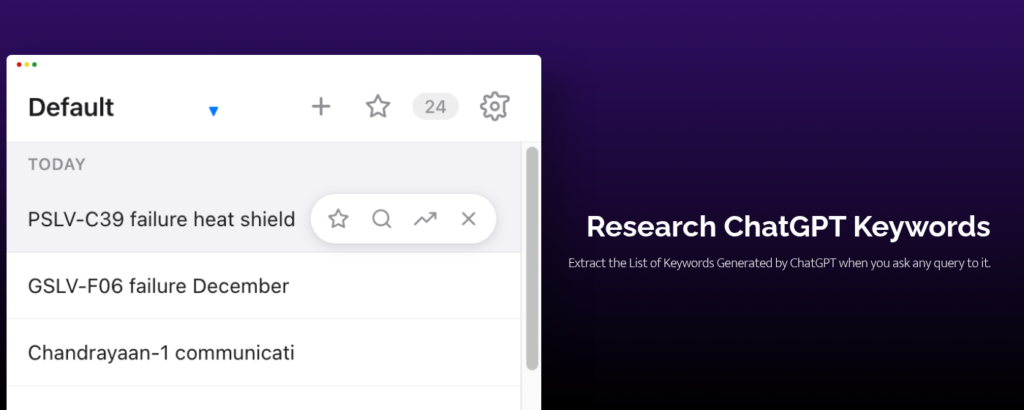
“When you use ChatGPT for SEO, you are only seeing the surface. You see the answer, but you miss the data that built it.”
How it Works?
This is not a simple screen scraper. It is an engineering breakthrough.
When you type a prompt, ChatGPT uses a technique called “Query Fan-Out” to break your topic into dozens of specific semantic searches. It maps out the entire intent of your topic in milliseconds.
Usually, this data is invisible—it runs in the background and vanishes the moment the answer is generated.
We catch it.
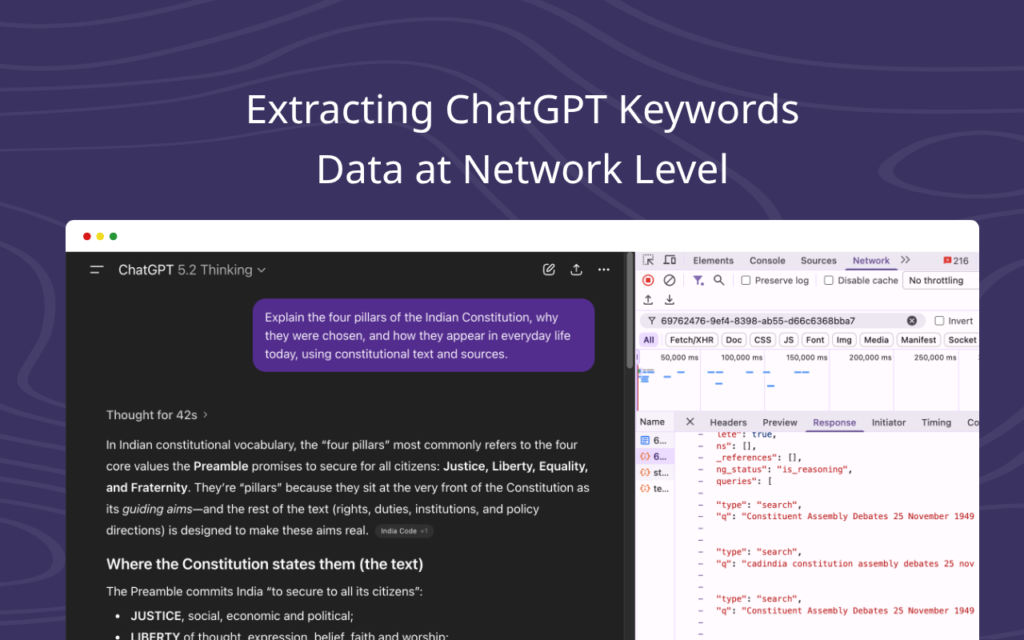
Prism sits quietly in your browser’s network layer. It uses Passive Stream Interception to grab these high-value “fan-out” keywords the exact moment the AI generates them. You get the raw, unfiltered search intent that the world’s smartest AI used to build your answer.
Why you can Trust the Data?
We don’t invent the data. We reveal it.
Most keyword tools rely on outdated third-party databases. We do not. The keywords you see in Prism are the actual Query Fan-Out data coming directly from the neural network itself.
- No Hallucinations: If ChatGPT generates a keyword, it means the most advanced AI on earth believes it is semantically relevant to your topic.
- No Estimation: You are seeing 100% authentic intent data, straight from the source.
Key Features
📂 Project Workspaces
Don’t let your data get messy. Create distinct “buckets” for different clients or niches. Switch contexts instantly without losing your work.
🚀 CSV Data Export
Data shouldn’t be trapped. Export your entire session—timestamps, raw keywords, and insights—directly into Excel or Google Sheets with one click.
🔒 Privacy First
Your data belongs to you. We don’t see your keywords. We don’t store them on our servers. Everything lives locally on your machine.
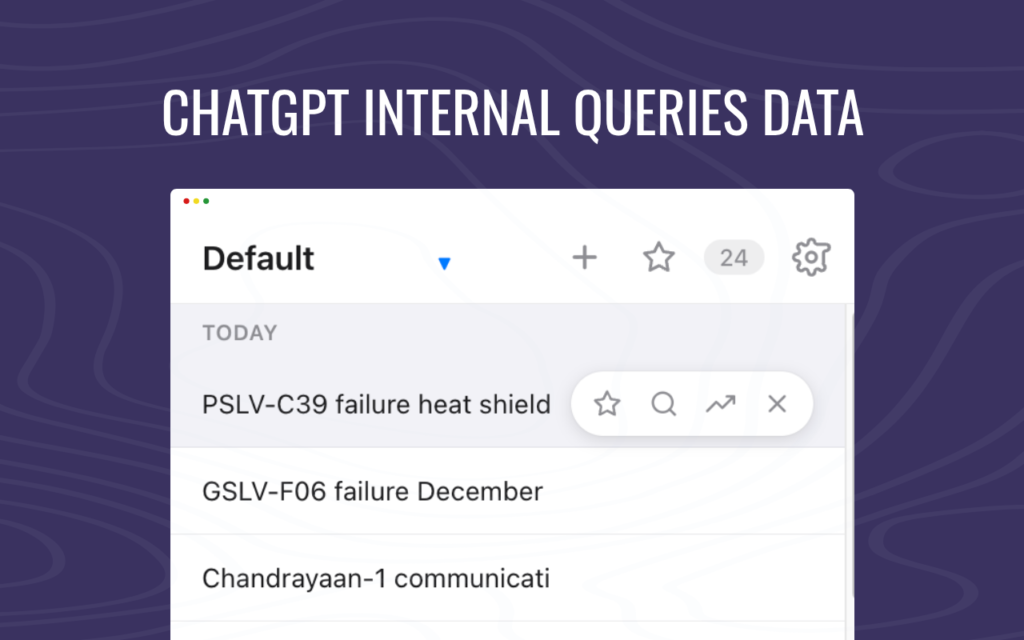
Build a Professional SEO Workspace
The free version lets you see the magic. The Pro License lets you own the data.
✅ Unlimited Keywords: Remove the 4-keyword cap. Capture thousands of ideas per session.
✅ Export to CSV: Download your data for client reports or content briefs.
✅ Unlimited Projects: Manage multiple clients seamlessly.
One Simple Price
$20 / Lifetime
One-time payment. Own it forever.
(*Excluding Taxes)
How to Install it?
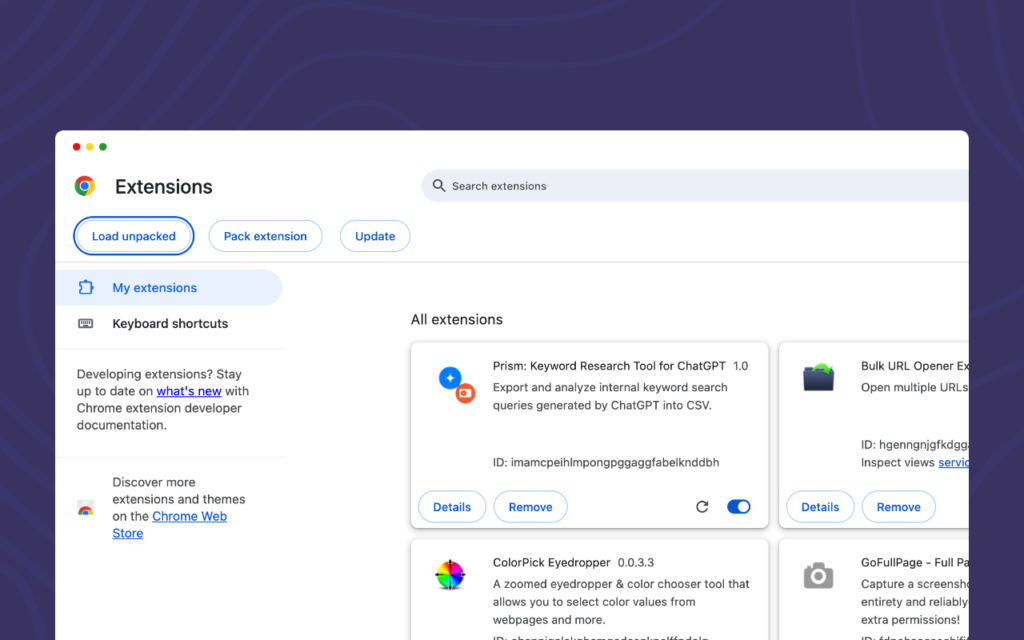
Currently, Prism is available via Direct Developer Load while we wait for the final Chrome Web Store approval. You can start using it right now in 30 seconds.
Option A: The Developer Method (Instant Access)
- Download the
prism-extension.zipfile. - Open Chrome and go to
chrome://extensions. - Turn on “Developer mode” (top right toggle).
- Drag and drop the
.zipfile into the window. - Done! Prism is now active.
(Option B: Chrome Web Store link – coming soon)
Frequently Asked Questions
Yes! It works with both the free version and ChatGPT Plus.
Absolutely. The extension stores all data locally in your Chrome browser. We do not have a database, and we cannot see what you are researching.
After purchasing, you will receive a License Key via email. Simply paste it into the extension’s settings menu to unlock all features instantly.